What is ARAMO?
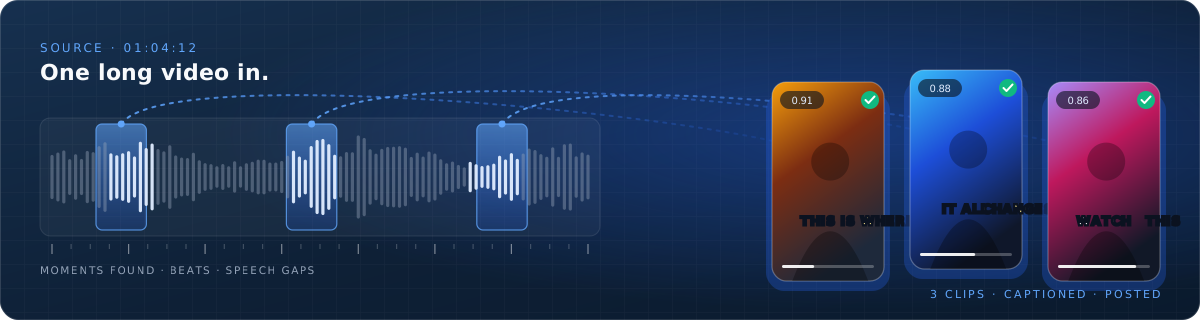
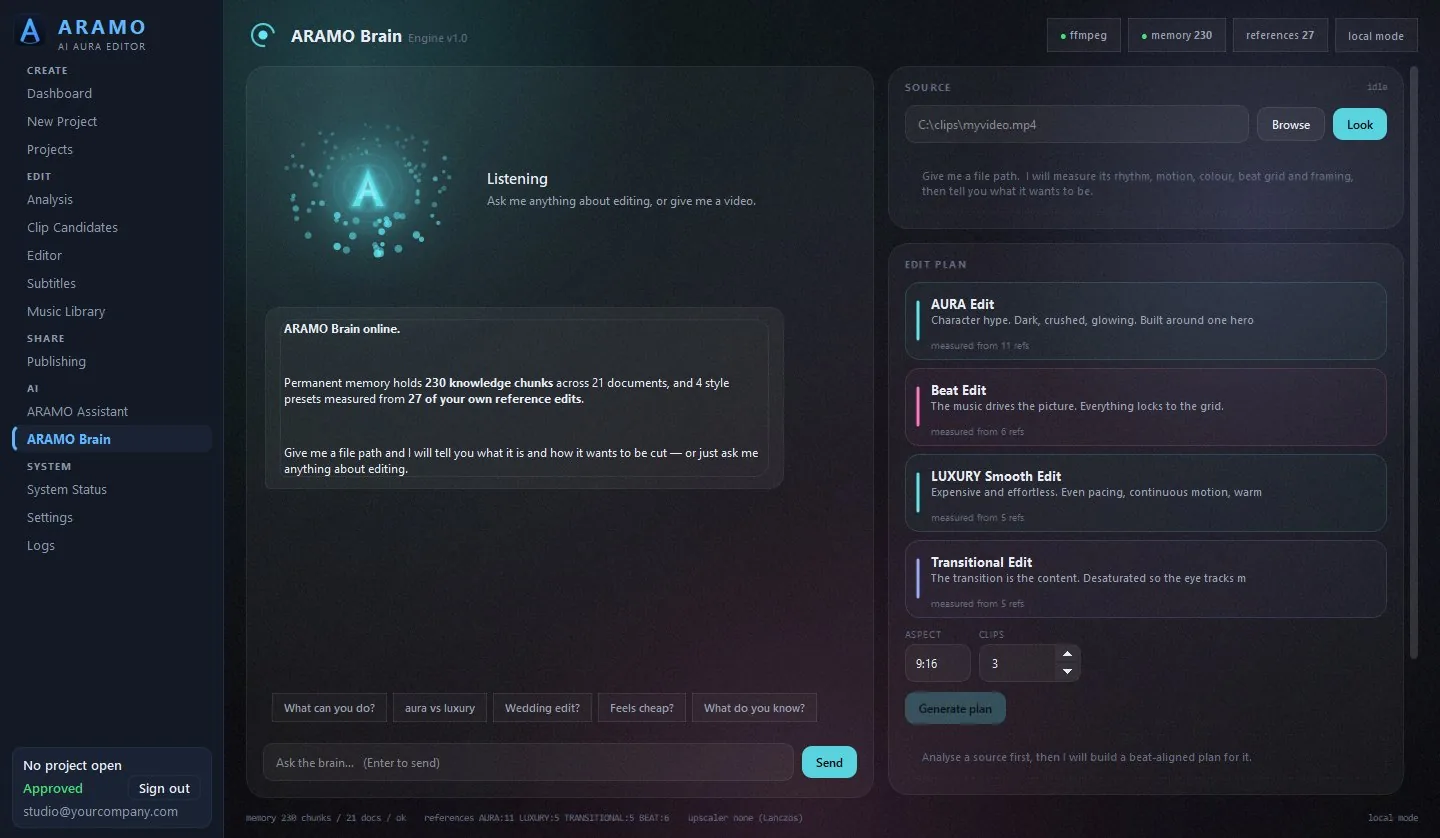
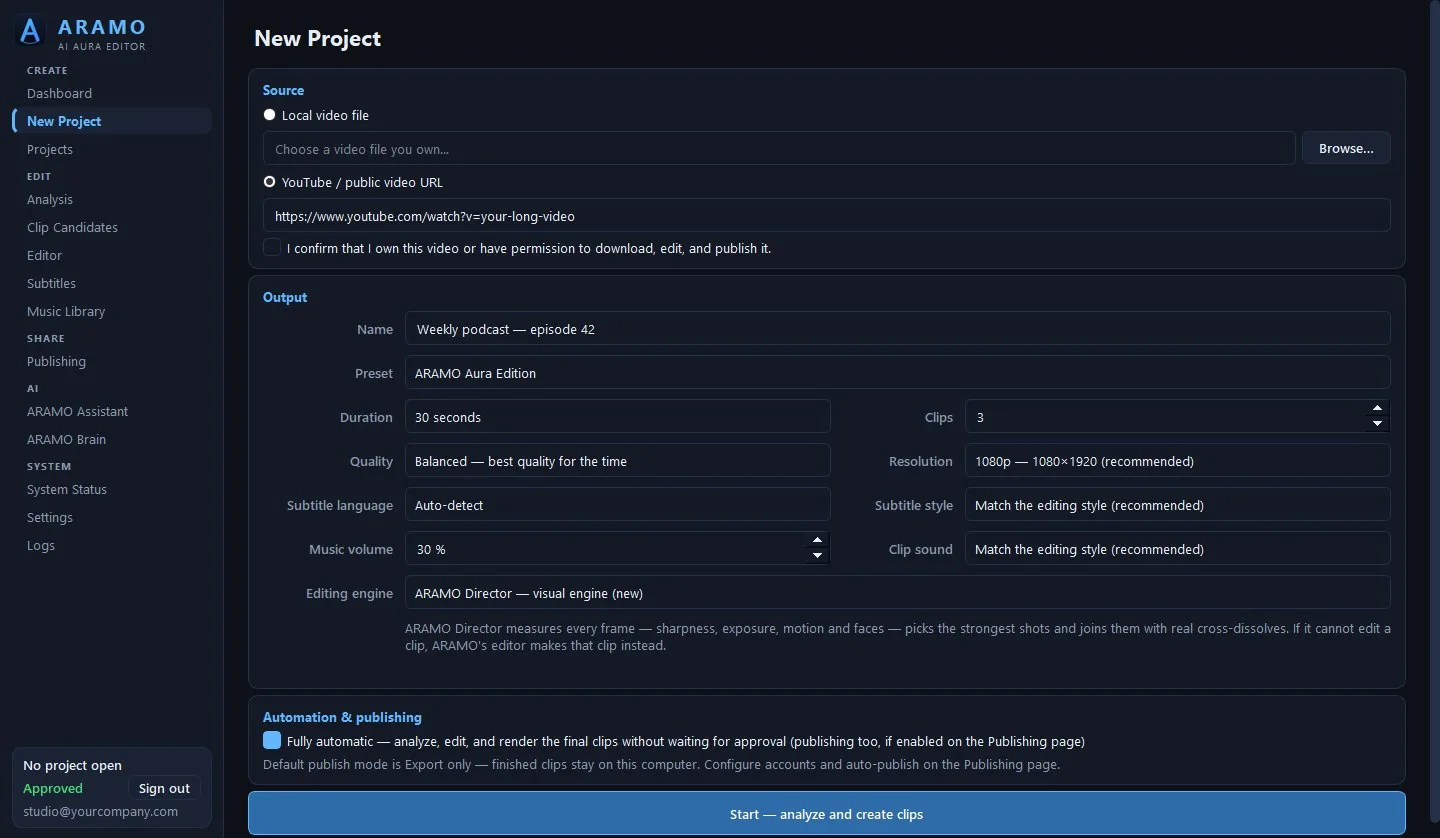
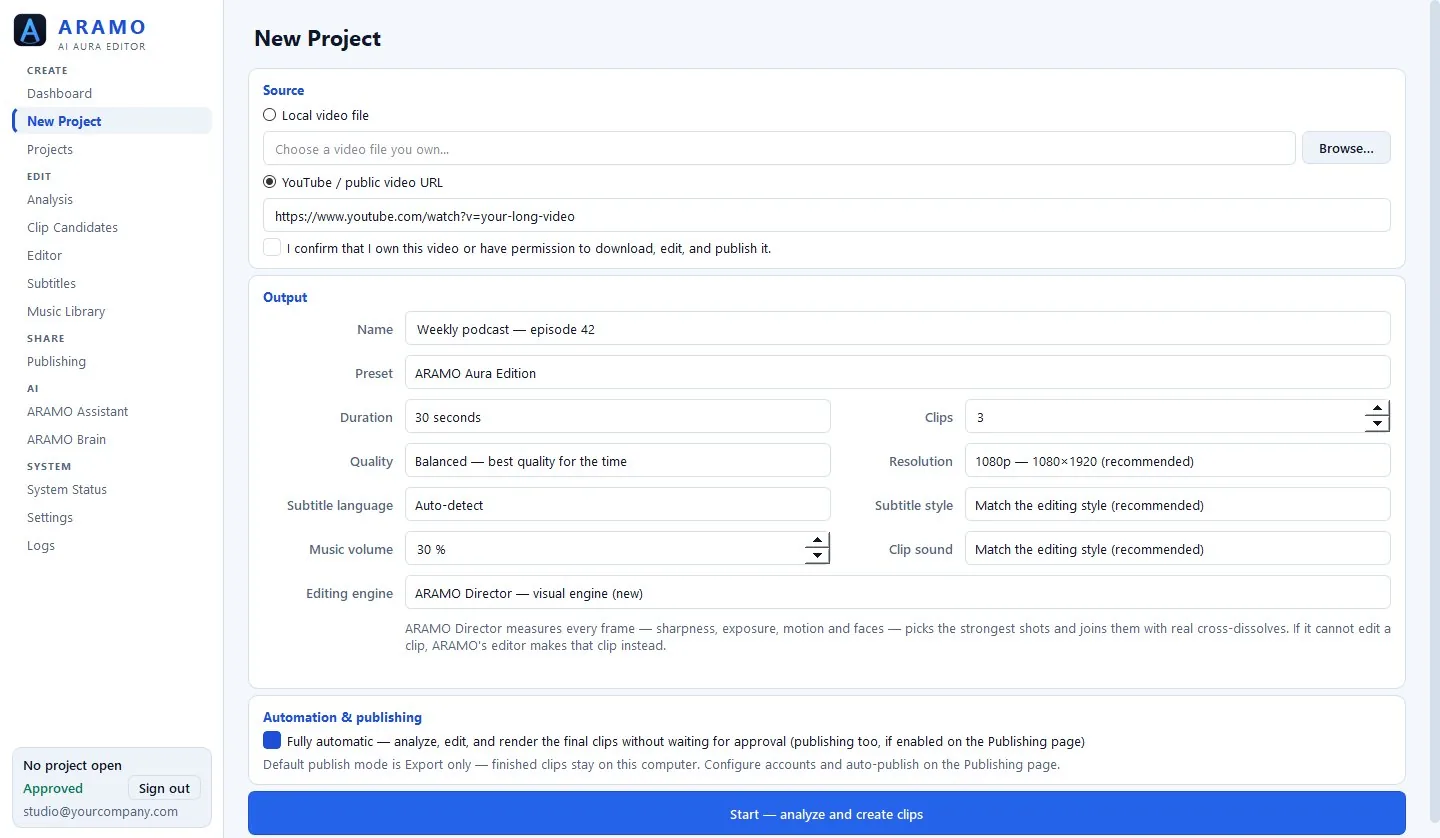
ARAMO is a desktop video editor for Windows that turns long footage into short vertical clips. It watches the whole timeline, scores it for hook, payoff, emotion, motion and audio, keeps only the moments that earn their place, then reframes them to vertical, adds word-by-word captions and music, renders them, and can post them for you.
How much does ARAMO cost?
ARAMO is 375,000 IQD a month (about $250) or 3,750,000 IQD a year (about $2,500), for one Windows machine. A year costs the same as ten months, so it saves 750,000 IQD against paying monthly. Everything is included either way: the full editor, publishing, and no render credits, per-minute fees or upload limits. Enterprise licences for teams on several machines are quoted per team and include a 7-day free trial. Every charge is in IQD. Dollar and local-currency figures are indicative only.
Does the monthly plan renew automatically?
Yes. Renews automatically each month by charging the card you paid with. If your card cannot be kept on file, we email you a renewal link a few days before the month ends instead of charging anything. Cancel any time from the link in every receipt — no email to us needed. Cancelling stops the next charge, and you keep ARAMO until the end of the month you already paid for. If a monthly payment fails we retry 3 more times over 6 days and email you before access pauses. Paying again restores access straight away.
Does the yearly licence renew automatically?
No. Does not renew by itself and no card is kept on file. We email you 30, 7 and 1 days before the year ends, and you renew by buying another year. Nothing to cancel: if you do not renew, the licence simply ends 14 days after its expiry date.
Is ARAMO refundable?
The yearly licence is non-refundable once payment is confirmed. A month that has started is not refunded. Cancelling a monthly plan stops the next charge. This does not affect any rights you have under the law of your own country that cannot be waived by agreement. If something is not working, email info@aramoai.com — a real person answers.
How do I pay, and what happens after?
Card payment on PayTabs' own secure page — ARAMO never sees your card details. The moment payment is confirmed your account is approved automatically and your download link is emailed, with a PDF invoice. The link works for 14 days.
Does my footage leave my PC?
No. Your footage never reaches ARAMO servers. Analysis, transcription, editing and rendering all run on your own machine. The only things that go online are the licence sign-in and check-ins, a video you choose to download from a link, and — only if you connect an account and turn publishing on — the finished clips you publish to that platform.
What do I need to run ARAMO?
Windows 10 or 11, 64-bit. 8 GB of RAM is the minimum and 16 GB is comfortable. A GPU helps but is not required. Allow roughly 6 GB of free space per project. There is no macOS or Linux version.
Which platforms can ARAMO post to?
ARAMO publishes to YouTube, TikTok and Instagram, and checks afterwards that the visibility you chose actually landed. Publishing is off by default — finished clips stay in your project's renders folder until you turn it on.
Does ARAMO work offline?
Yes, for the editing itself. You need a connection to sign in, and to publish if you use that. After the first sign-in ARAMO keeps working offline for up to 365 days between licence check-ins.
How many machines does a licence cover?
One monthly or yearly licence covers one Windows machine. To move it to a different machine, email info@aramoai.com. For several machines, an Enterprise licence is quoted per team, with a 7-day free trial.
Is there a free trial?
Yes, with Enterprise: every Enterprise licence includes a 7-day free trial — talk to us and we set it up for your team. The monthly and yearly plans have no free trial. To see ARAMO on your kind of footage first, request a Proof Session: tell us what you edit and we show it working on representative footage, or on a sample you own the rights to. The monthly plan is the other low-commitment route, and you can cancel it any time.
Can I overrule which clips it picks?
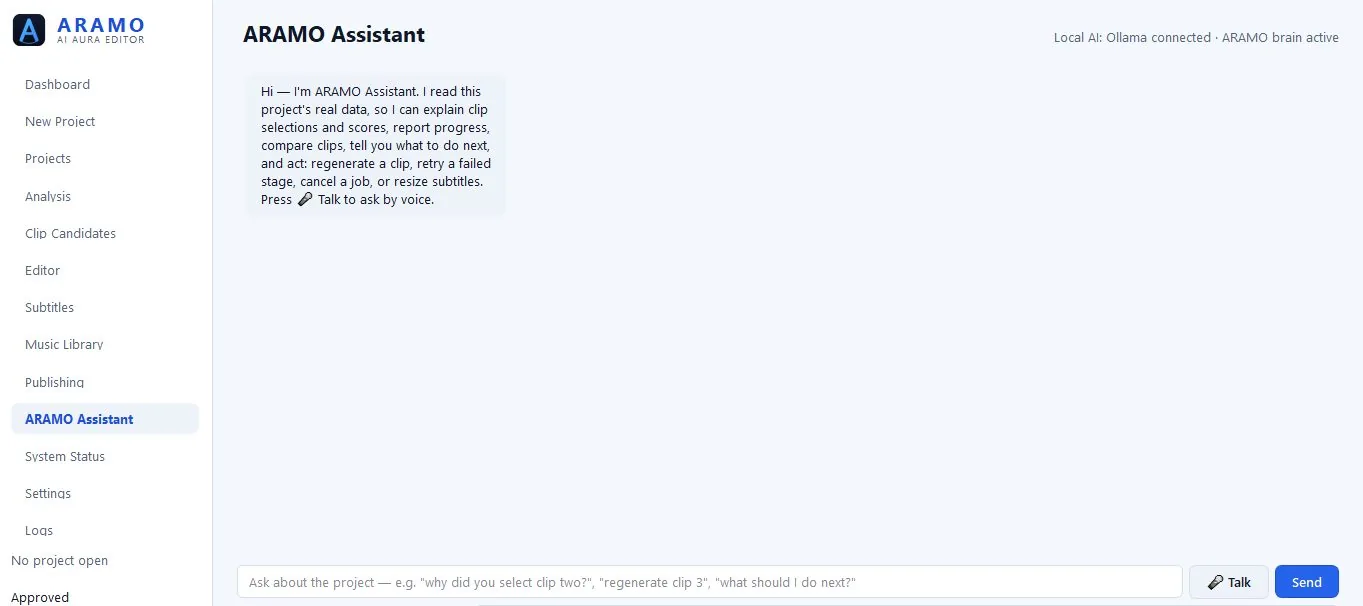
Yes. Every clip comes with its scores and a plain-English reason it was chosen. If you disagree you can open the candidate list and pick your own, adjust captions and effects in the editor, or regenerate a clip.
Does it write captions and add music?
Yes to both. Captions are word-by-word burn-ins timed to the syllable, in styles you can change per project or per clip. Music comes from your own library, with cuts landing on the beat, kept under the clip's own audio and lowered under dialogue.
Do I get updates?
Yes. New versions are included while your subscription is active. New versions are included for the twelve months. Release notes for every version are on the changelog page, and info@aramoai.com sends you the latest download link whenever you ask.